01CITY OF TORONTO
Toronto
Toronto, North York, Scarborough, Etobicoke, East York, York
Organize neighbourhood, condo, school and market content around the parts of the city where you work.
OPEI provides branded real estate websites for agents serving the Greater Toronto Area, including Toronto, Peel, York, Durham and Halton. Build a site around your own brand and service areas with bilingual content options, approved MLS search, lead tools, hosting and foundational SEO.
Give buyers and sellers one clear place to explore your listings, local knowledge and services—whether you work in one community or across the GTA.
Choose the communities that reflect your real business. These cards describe the broad GTA regions and example municipalities; they do not imply OPEI offices in each location. Your site can focus on the places you actually serve.
Toronto, North York, Scarborough, Etobicoke, East York, York
Organize neighbourhood, condo, school and market content around the parts of the city where you work.
Mississauga, Brampton, Caledon
Create clear paths for buyers and sellers across Peel’s distinct urban and rural communities.
Markham, Vaughan, Richmond Hill, Aurora, Newmarket and nearby communities
Bring community pages, listing search and your local perspective together for the communities you serve.
Pickering, Ajax, Whitby, Oshawa, Clarington and nearby communities
Help visitors move from area research to relevant listings and a direct conversation with you.
Oakville, Burlington, Milton, Halton Hills
Showcase your services and local resources across Halton in a site that stays true to your brand.
Region names help agents plan site content. Each agent defines their own service area, and MLS data coverage requires separate approval.
Build around the questions clients ask before they contact an agent. Keep the information current, easy to scan and connected to a clear next step.
Present your agent profile, services and local guidance in English, Chinese or both, with a consistent brand across the site.
Give visitors a place to search listings and explore property details. MLS data activation depends on the applicable board and brokerage approvals.
Create useful community, school, buyer, seller and market pages for the areas you genuinely serve. Each page should answer a distinct local question.
Connect inquiry and showing-request paths to your contact details so visitors know how to reach you.
Use clear page titles, readable headings, internal links, image descriptions and indexable text as the base for organic discovery.
OPEI operates the website platform. If you are moving from another provider, confirm the pages, redirects, domain work, fees and timing with OPEI before migration.
Explore real OPEI site examples and themes. These examples show website presentation and features; they do not promise specific business results.
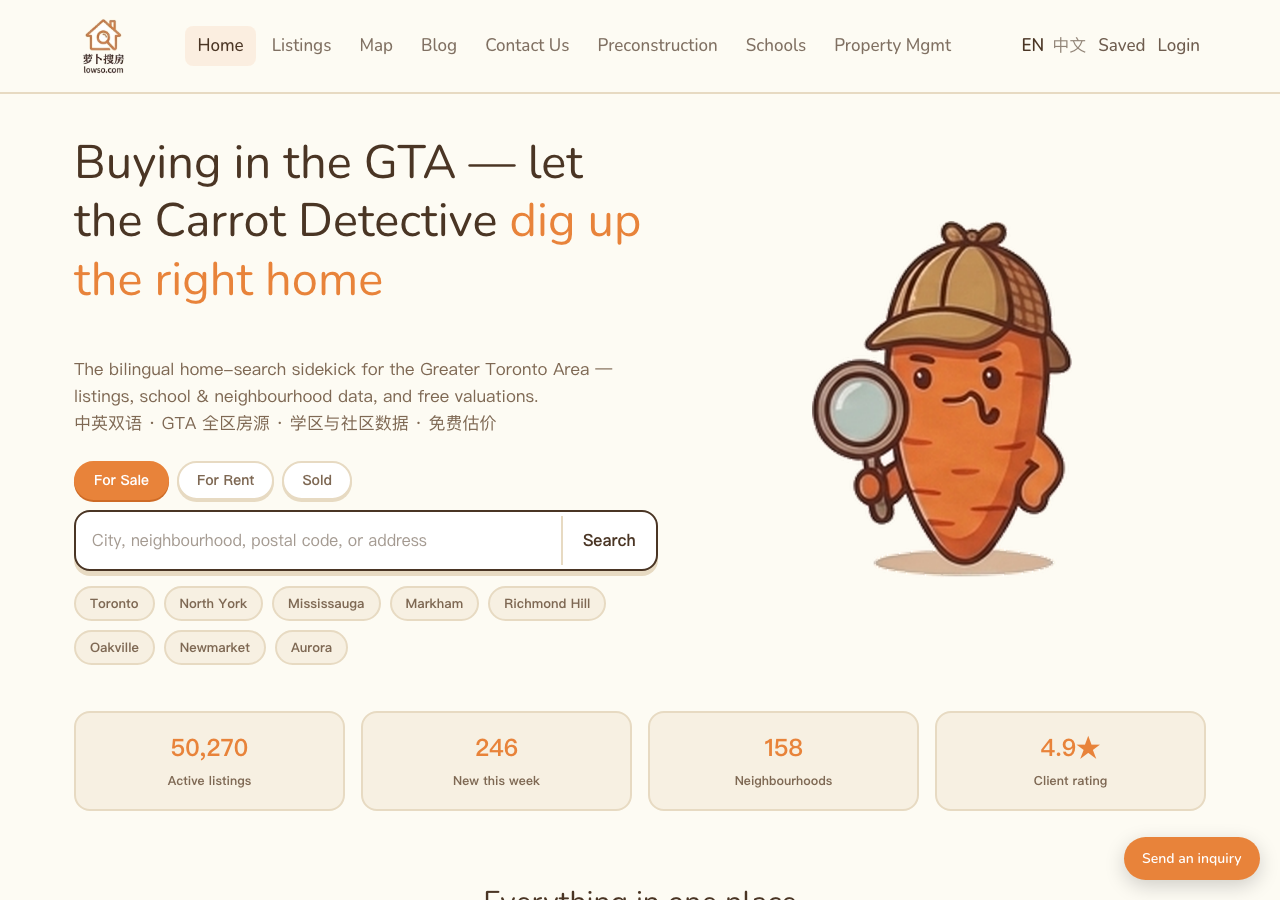
A Toronto real estate brand site with listing search, maps, neighbourhood information and property-management content.
Visit website ↗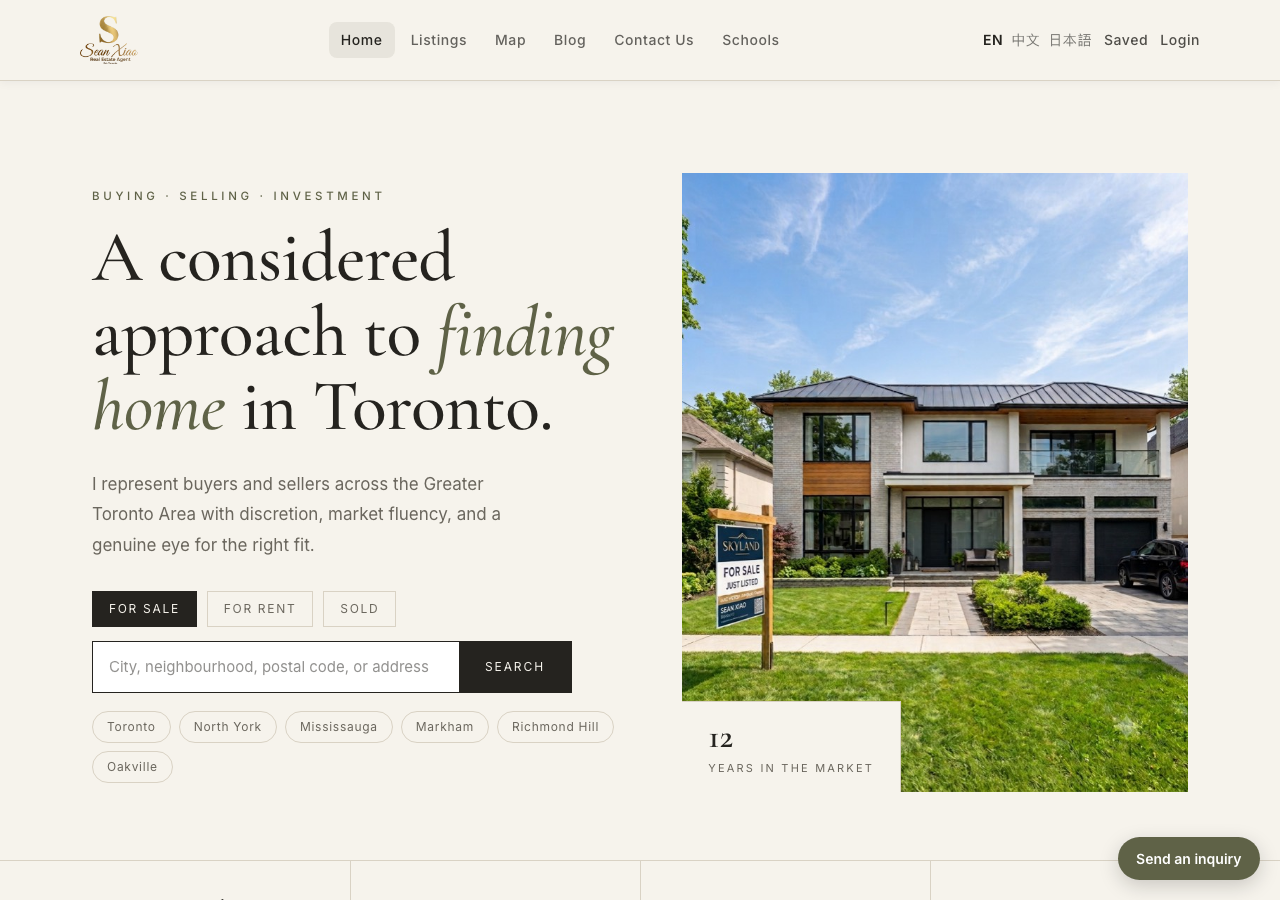
An agent website bringing together listing search, school information and market reports.
Visit website ↗Preview OPEI themes and adapt the pages, images and colours to fit your real estate brand.
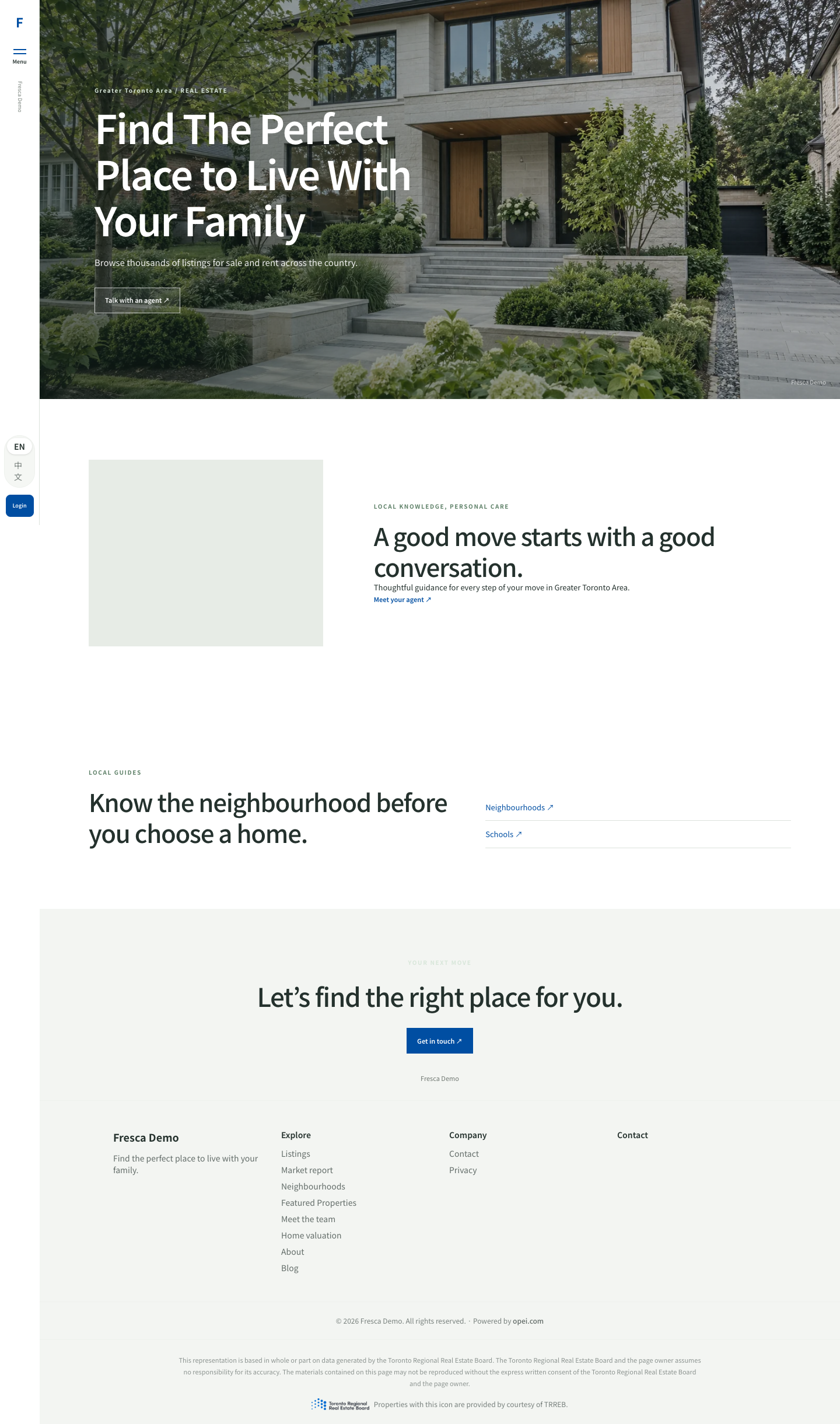
A warm, image-led real estate design for neighbourhood expertise, with a left-slide navigation menu and spacious editorial sections.
Preview theme →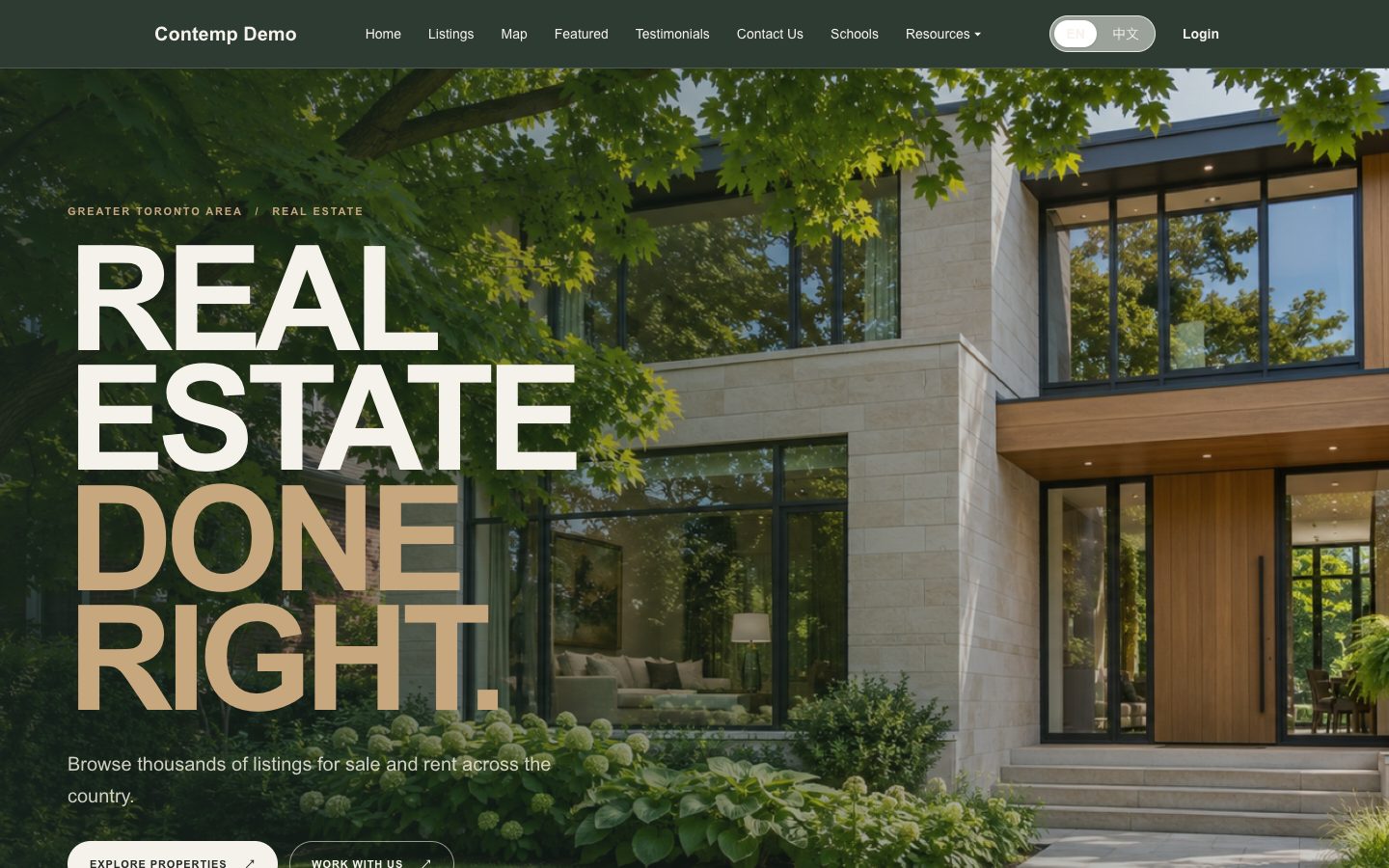
A contemporary real estate design with strong typography, editorial spacing and a photo-led first impression.
Preview theme →Direct answers about service areas, MLS data, bilingual content, migration and search visibility.
OPEI provides a website platform for Canadian real estate agents, including agents serving Toronto, Peel, York, Durham and Halton. You choose the communities represented on your website. OPEI does not claim a physical office in every region.
This page groups the City of Toronto with Peel, York, Durham and Halton regions. Examples include Mississauga, Brampton, Markham, Vaughan, Pickering, Whitby, Oakville, Burlington and Milton.
Yes. Build pages around areas that reflect your actual service and expertise. Give each page useful, distinct local information rather than changing only the city name.
Your website can include approved MLS search and listing features. Data coverage and activation depend on the applicable real estate board, data agreement and brokerage approval; confirm your specific coverage before launch.
OPEI supports English and Chinese website experiences. You can prepare the language content that matches your clients and service areas.
OPEI provides foundational SEO tools and guidance. Local visibility also depends on useful, accurate content, technical setup, your business presence and other signals; no ranking position is guaranteed.
Contact OPEI with your current website, domain and a list of pages to keep. Confirm the migration scope, redirects, fees and timing before work begins; public plan details do not specify a standard migration package.
See the current OPEI plan page for live features and billing terms. Prices and plan details can change, so use the pricing page rather than an older article or search result.
Tell OPEI which GTA communities you work in and what your current website needs. Ask about plan details, MLS approvals, migration and language options.